

PDF Compressor Test Results: How Much Size You Actually Save
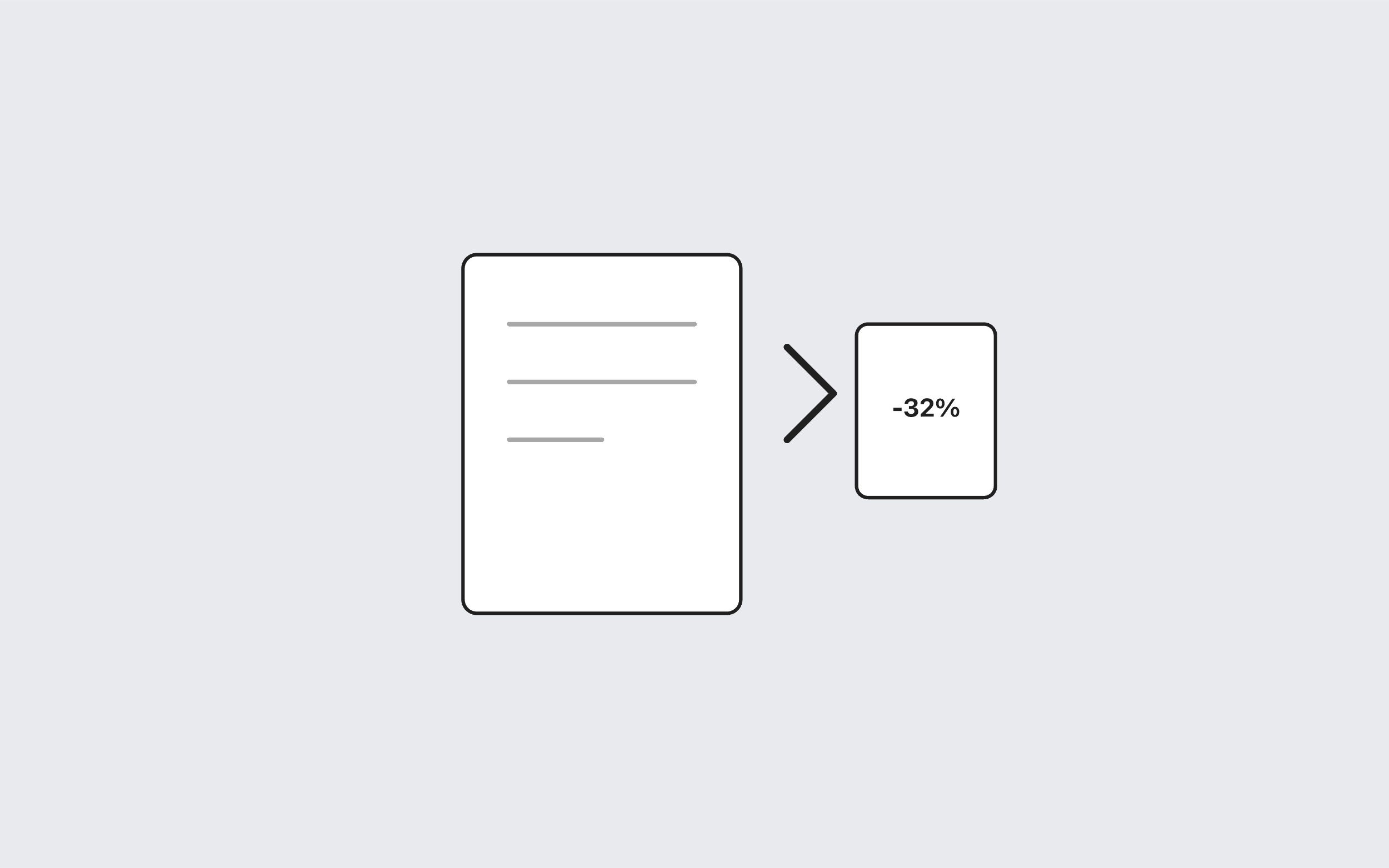
On 17 October 2026 we built an 8-page A4 text PDF with pdf-lib, saved it without object streams (16,422 bytes), then rebuilt it with object streams (8,632 bytes). That is a 47.4% cut. Those PDF compressor test results describe this document, not every PDF on your disk.
Try it now
PDF Compressor
Loading tool…
What the Toolstik compressor actually does
The PDF Compressor reloads the file in your browser and writes it again with useObjectStreams: true. It does not downsample JPEGs on each page. That is why a scan of a contract often shows “already optimized” while a verbose export from a word processor can drop a lot of unused objects.
| Sample | Pages | Before | After | Saved |
|---|---|---|---|---|
| Generated text report (this test) | 8 | 16.4 KB | 8.6 KB | 47.4% |
| Typical photo/scan PDF | n/a | often unchanged | original kept | 0% |
How to test your own file
- Open the PDF Compressor and drop the file (up to 50 MB).
- Read the before/after sizes. If there is no saving, do not download.
- If you still need a smaller attachment, convert pages to images with PDF to JPG or extract the pages you actually need with the PDF Splitter.
PDF compression vs conversion explains when shrinking in-place is the wrong job. How to compress a PDF walks through the buttons.
Cite this page as a dated lab note, then measure the file you actually need to send.
Frequently asked questions
Tools in this guide
PDF Compressor
Reduce PDF file size in your browser by rebuilding the document structure.
Merge PDF
Combine multiple PDF files into one document. Set the file order before merging.
PDF Splitter
Split a PDF into separate files or extract page ranges. Processed locally in your browser.
Keep reading
- PDFHow to Compress a PDF OnlineCompress a PDF online without uploading it: rebuild the file in your browser, compare the before and after sizes, and download only if it got smaller.
- PDFPDF Compression vs PDF Conversion: What's the Difference?PDF compression vs conversion: learn when to shrink a PDF, when to turn it into images or rebuild it from JPGs, and what each choice costs in text and quality.
- PDFBest Free PDF Tools Online: Merge, Compress, Convert & SplitThe best free PDF tools online for merging, splitting, compressing, and converting PDFs, all running in your browser with no uploads, sign-ups, or watermarks.