

How to Compress a PDF Online
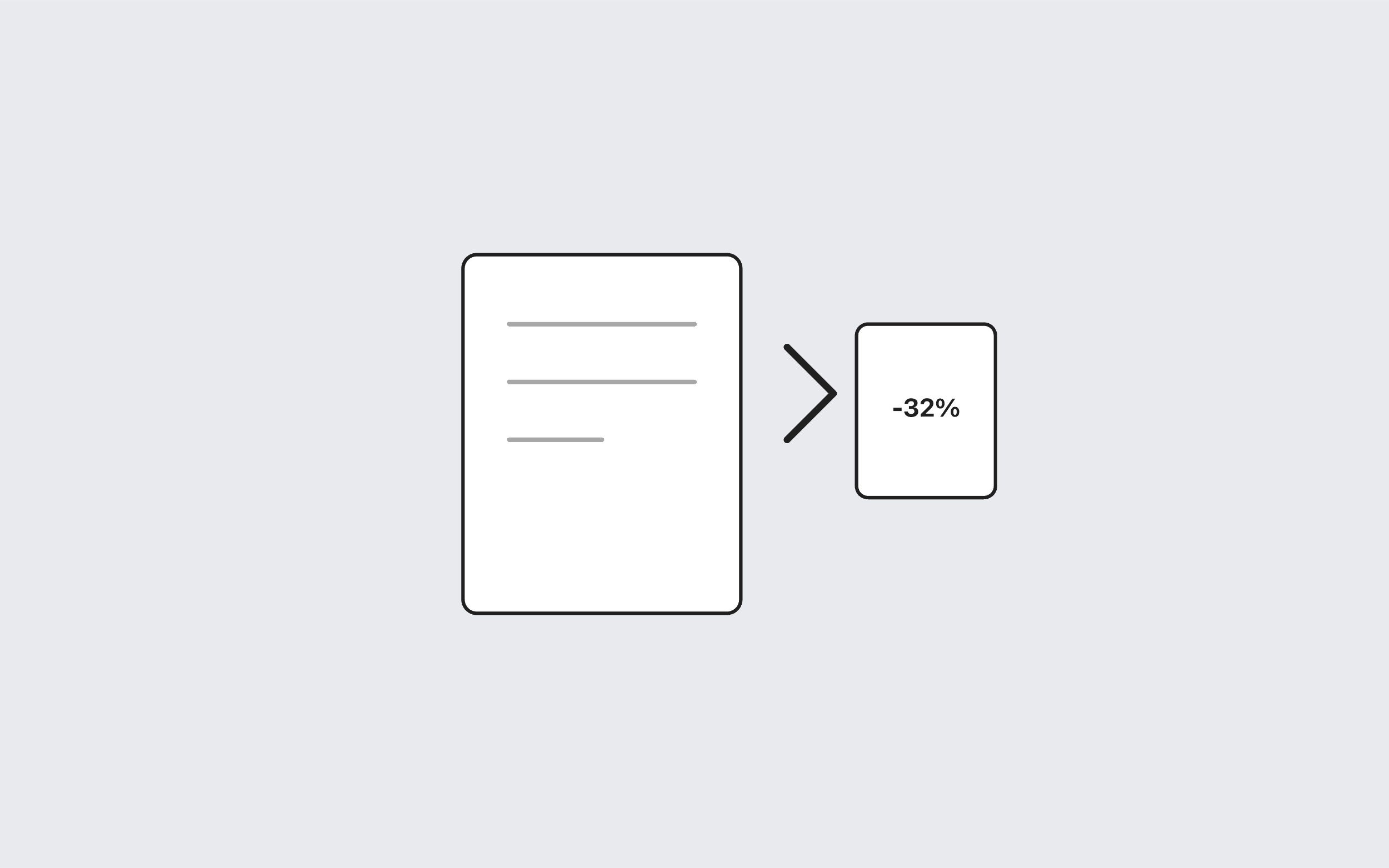
Large PDFs are hard to email, slow to upload, and costly to store. When you need a smaller file, compression can help—especially for documents that were exported with extra metadata or inefficient structure.
Use the Toolstik PDF Compressor
1. Open the PDF Compressor tool. 2. Upload your PDF (up to 50 MB). 3. Click **Compress PDF** and compare the original and output sizes. 4. Download the smaller file when compression helps.
Processing runs locally in your browser. If the PDF is already optimized, Toolstik keeps the original bytes and tells you no further savings were found.
When compression helps most
- PDFs exported from design tools with embedded high-resolution images - Documents saved multiple times with growing file size - Files you need to share quickly over email or chat
For scanned books or image-only PDFs, consider converting pages to JPG first if you only need visual content—not selectable text.