

How to Calculate Markup (Formula, Examples, and Margin Conversion)
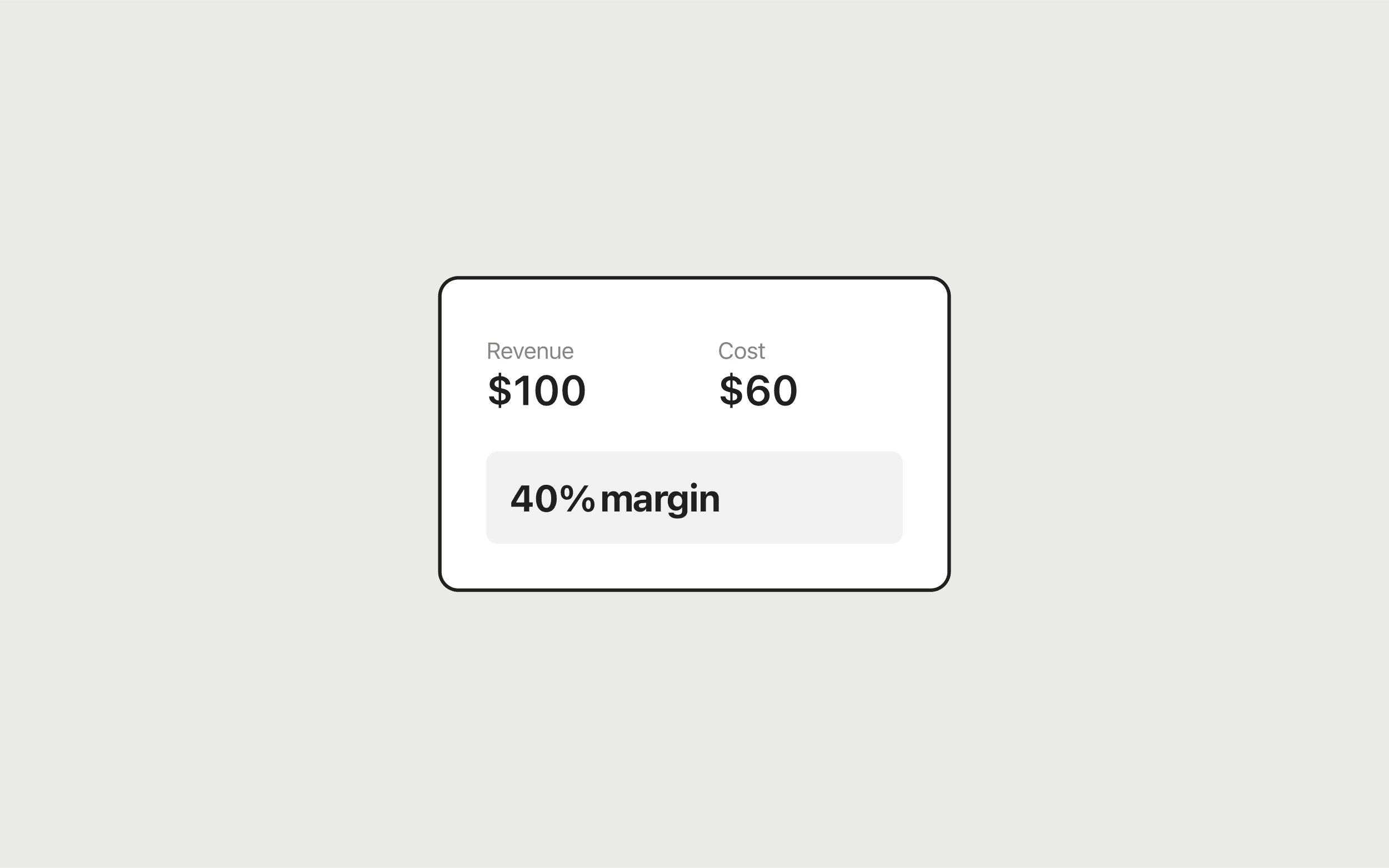
To calculate markup, divide profit by cost: markup (%) = (selling price − cost) ÷ cost × 100. To set a price from a markup you've chosen, use selling price = cost × (1 + markup ÷ 100). A $40 item with a 25% markup sells for $50. The free Markup Calculator works it out either way and shows the matching profit margin.
Try it now
Markup Calculator
Loading tool…
The markup formulas
Selling price = Cost × (1 + Markup ÷ 100)
Profit        = Selling price − Cost
Markup (%)    = Profit ÷ Cost × 100
Margin (%)    = Profit ÷ Selling price × 100
Markup is measured against cost, while margin is measured against the selling price. For the same product, the markup percentage is always higher than the margin percentage (as long as you make a profit). If people on your team mix the two up, start with profit margin vs markup.
How to use the Markup Calculator
The tool has two tabs, depending on what you already know.
Cost + markup %: find the selling price
- Open the Cost + markup % tab.
- Enter what the item or service costs you in Cost.
- Enter your markup in Markup (%).
- Click Calculate.
Cost + selling price: find the markup
- Open the Cost + selling price tab.
- Enter Cost and the price you charge in Selling price.
- Click Calculate.
Both tabs show the same Results panel: Selling price, Profit, Markup, and Margin. Reset restores the default values ($100 cost, 50% markup, $150 price). The cost you type carries over when you switch tabs, so it's quick to compare "what if I charged X" against "what if I used a Y% markup."
Worked examples
Example 1: wholesale to retail
You buy a product wholesale for $40 and apply a 25% markup.
- Profit = $40 × 0.25 = $10
- Selling price = $40 + $10 = $50
- Margin = $10 ÷ $50 × 100 = 20%
Example 2: a handmade item
Materials and packaging for a candle cost $18.50 and you use a 60% markup.
- Profit = $18.50 × 0.60 = $11.10
- Selling price = $18.50 + $11.10 = $29.60
- Margin = $11.10 ÷ $29.60 × 100 = 37.5%
Example 3: checking an existing price
A supplier charges you $24 and you sell the item for $39. On the Cost + selling price tab:
- Profit = $39 − $24 = $15
- Markup = $15 ÷ $24 × 100 = 62.5%
- Margin = $15 ÷ $39 × 100 = 38.46%
Example 4: pricing a service
Freelancers can treat their hourly cost (software, insurance, and the pay you want, divided by billable hours) as the cost. If that comes to $30 per hour and you use a 75% markup, you'd quote $30 × 1.75 = $52.50 per hour, which is a 42.86% margin.
Markup to margin conversion table
To convert between the two, use margin = markup ÷ (1 + markup) and markup = margin ÷ (1 − margin), with percentages written as decimals.
| Markup | Margin |
|---|---|
| 10% | 9.09% |
| 20% | 16.67% |
| 25% | 20% |
| 33.33% | 25% |
| 50% | 33.33% |
| 75% | 42.86% |
| 100% | 50% |
| 150% | 60% |
| 200% | 66.67% |
If someone gives you a margin target instead, the Profit Margin Calculator has a Target margin tab that returns the required price directly.
Common mistakes
Treating markup and margin as the same number. If your business needs a 50% margin and you apply a 50% markup, you end up at 33.33%. A 50% margin requires a 100% markup.
Undoing a markup with the same percentage. Mark a $100 item up 50% to $150, then run a "50% off" sale, and the price falls to $75. That's $25 below cost. A percentage discount is taken from the higher selling price, so the same percentage removes more money than the markup added. Check promotions with the Discount Calculator before you announce them. The discount guide explains stacked offers.
Using the wrong cost. Markup only protects you if cost includes everything it takes to deliver the item: shipping in, packaging, platform fees, and payment processing. A healthy-looking markup on the purchase price alone can still lose money.
Rounding too early. Round the final price, not the steps along the way. On small-ticket items, rounding the markup percentage before you multiply can shift the price by a noticeable amount.
Spreadsheet formulas
In Excel or Google Sheets, with cost in B2 and markup (as a decimal, e.g. 0.25) in C2:
Selling price:   =B2*(1+C2)
Profit:          =B2*C2
Margin:          =C2/(1+C2)
Markup from price (price in D2):  =(D2-B2)/B2
Format the markup and margin cells as percentages. This works well for repricing a whole catalog at once. Use the calculator to spot-check individual rows.
Privacy
The Markup Calculator does all of its math in your browser. Your costs and prices aren't uploaded, logged, or saved. When you close the tab, they're gone.
Once your prices are set, you can bill clients with the Invoice Generator, or browse the rest of the pricing tools in the business tools guide for freelancers.
Frequently asked questions
Tools in this guide
Markup Calculator
Calculate selling price, markup, and margin from cost—or find markup from your price.
Profit Margin Calculator
Calculate profit, margin, and markup from revenue and cost. Includes reverse calculation.
Discount Calculator
Apply one or two stacked discounts and see final price and total savings.
Keep reading
- BusinessProfit Margin vs Markup: What's the Difference?Profit margin vs markup explained: the formulas, a conversion table, worked examples, and when to use each so you never underprice by mixing them up.
- BusinessHow to Calculate Profit Margin (Formula and Examples)Learn how to calculate profit margin with the formula, worked examples, and a free calculator that also finds the price you need to hit a target margin.
- BusinessFree Business Tools for Freelancers and Small BusinessesFree business tools for freelancers: an invoice generator plus profit margin, markup, ROI, and discount calculators that run in your browser with no signup.