

How to Calculate a Discount (Including Stacked Discounts)
To calculate a discount, multiply the original price by one minus the discount rate: final price = original price × (1 − discount ÷ 100). A $60 item at 30% off costs $42, so you save $18. Stacked discounts multiply rather than add: 25% off and then an extra 10% off a $80 item gives $54, a 32.5% total discount. The free Discount Calculator works out the final price, the savings, and the effective discount for one or two stacked offers.
Try it now
Discount Calculator
Loading tool…
The discount formulas
Final price         = Original × (1 − Discount ÷ 100) × (1 − Extra discount ÷ 100)
You save            = Original − Final price
Effective discount  = You save ÷ Original × 100
For two stacked percentages, the combined discount is:
Combined % = 1 − (1 − first) × (1 − second) (as decimals)
To work out a percentage from two prices you already have, use (original − sale) ÷ original × 100. Something that drops from $120 to $84 is 30% off.
How to use the Discount Calculator
- Enter the regular price in Original price.
- Enter the main percentage off in Discount (%).
- If a second offer applies on top, such as a coupon code or loyalty discount, enter it in Extra discount (%). Leave it at 0 for a single discount.
- Click Calculate.
The Discounted price panel shows Final price, You save, and Effective discount. Each discount must be between 0 and 100. If one isn't, the tool asks you to correct it. Reset returns to the defaults ($100, 20%, 0%).
Worked examples
Example 1: a single discount
A $60 jacket is 30% off.
- Final price = $60 × 0.70 = $42
- You save = $60 − $42 = $18
- Effective discount = 30%
Example 2: a stacked sale
A $80 item is 25% off, with an extra 10% off at checkout.
- After the first discount: $80 × 0.75 = $60
- After the extra discount: $60 × 0.90 = $54
- You save = $80 − $54 = $26
- Effective discount = $26 ÷ $80 = 32.5%, not 35%
Example 3: "20% + 20%" is not 40%
A $150 item with 20% off and an extra 20% off:
- $150 × 0.80 = $120, then $120 × 0.80 = $96
- You save $54, an effective discount of 36%
If the discounts simply added up, you'd expect to pay $90. The real price is $6 higher.
Example 4: finding the original price
A sale tag says $45 after 25% off. The calculator works forwards only, so divide by hand:
- Original = $45 ÷ (1 − 0.25) = $45 ÷ 0.75 = $60
Stacked discount reference table
These are the effective discounts when two percentage offers are applied one after the other:
| First discount | Extra discount | Effective discount |
|---|---|---|
| 10% | 10% | 19% |
| 20% | 10% | 28% |
| 25% | 10% | 32.5% |
| 40% | 10% | 46% |
| 30% | 20% | 44% |
| 50% | 20% | 60% |
| 50% | 50% | 75% |
Two percentage discounts give the same result in either order. 10% then 25% is still 32.5%.
Common mistakes
Adding stacked discounts together. This is the most common error. As the table shows, the combined discount is always smaller than the sum.
Mixing percentages and fixed coupons in the wrong order. With a $100 item, 20% off and then $10 off gives $70. Taking $10 off first and then 20% gives $72. Stores set their own order. The Discount Calculator handles percentages only, so subtract any fixed amount yourself at the step where it applies.
Forgetting sales tax. Where sales tax applies, it's usually charged on the discounted price, but the rules depend on where you are. The calculator shows the pre-tax price.
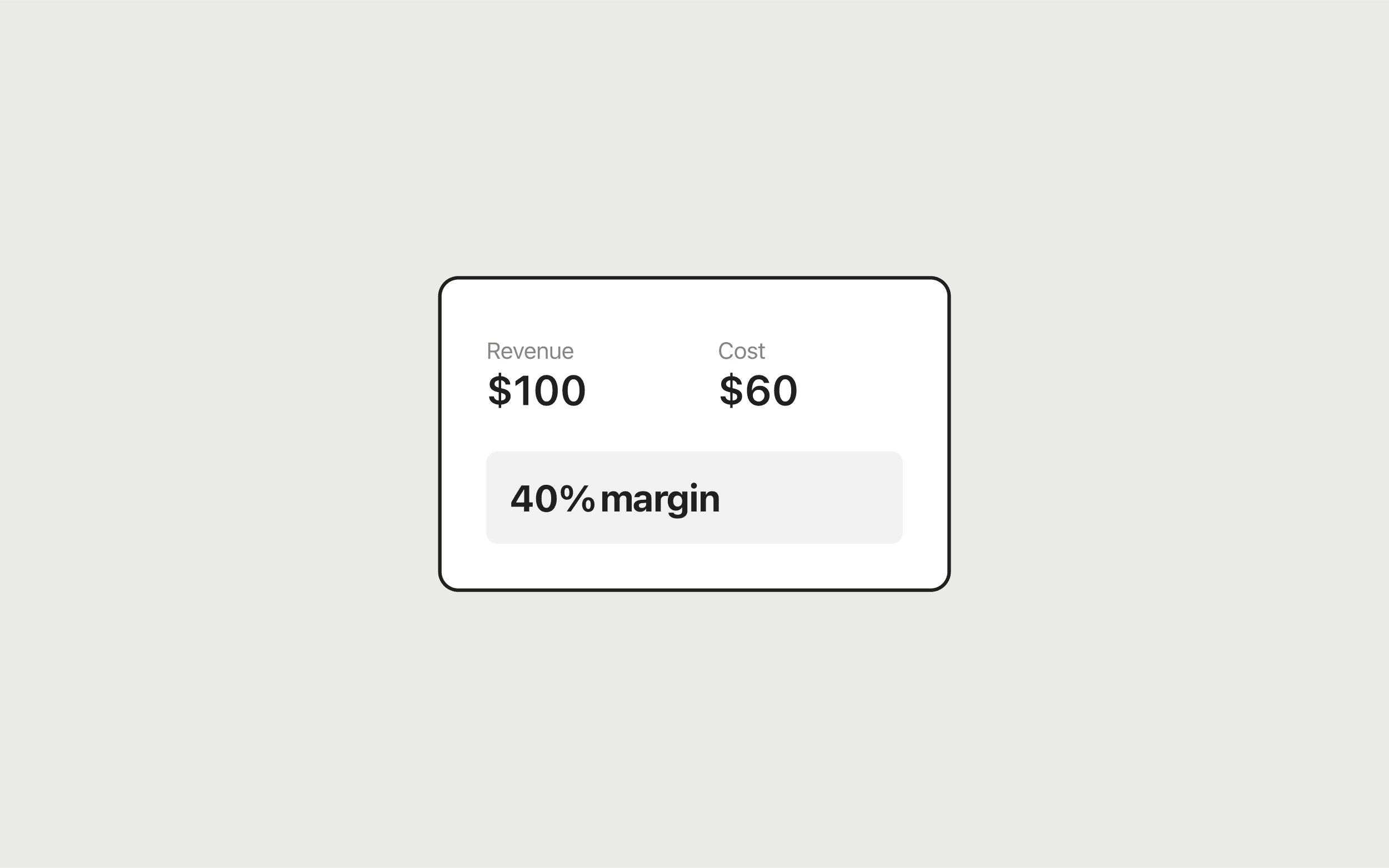
Discounting below cost (for sellers). Say an item costs you $30 and sells for $50, a 40% margin. A 20% discount brings the price to $40, cuts profit from $20 to $10, and drops the margin to 25%. Before you run a promotion, put the final price and your cost into the Profit Margin Calculator. If you price by markup, read how to calculate markup to see why a 50% markup can't survive a 50% discount. Your margin is the largest discount you can offer without selling at a loss.
Spreadsheet formulas
In Excel or Google Sheets, with the original price in B2 and discounts as decimals in C2 and D2:
Final price:         =B2*(1-C2)*(1-D2)
You save:            =B2-B2*(1-C2)*(1-D2)
Effective discount:  =1-(1-C2)*(1-D2)
Original from sale:  =E2/(1-C2)      (E2 = sale price)
Format the discount cells as percentages and the prices as currency.
Privacy
The Discount Calculator runs entirely in your browser. Prices and percentages aren't sent to a server or stored.
For shoppers and sellers
Shoppers can use this to check whether a "double discount" is really the deal it sounds like. Sellers should pair it with the margin math in profit margin vs markup and the Markup Calculator so promotions still leave a profit. For the full set of pricing, invoicing, and ROI tools, see the free business tools guide for freelancers.
Frequently asked questions
Tools in this guide
Discount Calculator
Apply one or two stacked discounts and see final price and total savings.
Profit Margin Calculator
Calculate profit, margin, and markup from revenue and cost. Includes reverse calculation.
Markup Calculator
Calculate selling price, markup, and margin from cost—or find markup from your price.
Keep reading
- BusinessHow to Calculate Markup (Formula, Examples, and Margin Conversion)Learn how to calculate markup and selling price from cost, convert markup to margin, and avoid common pricing mistakes using a free markup calculator.
- BusinessProfit Margin vs Markup: What's the Difference?Profit margin vs markup explained: the formulas, a conversion table, worked examples, and when to use each so you never underprice by mixing them up.
- BusinessFree Business Tools for Freelancers and Small BusinessesFree business tools for freelancers: an invoice generator plus profit margin, markup, ROI, and discount calculators that run in your browser with no signup.