

PDF
How to Convert Word to PDF Online (DOCX, in Your Browser)
Toolstik1 min read
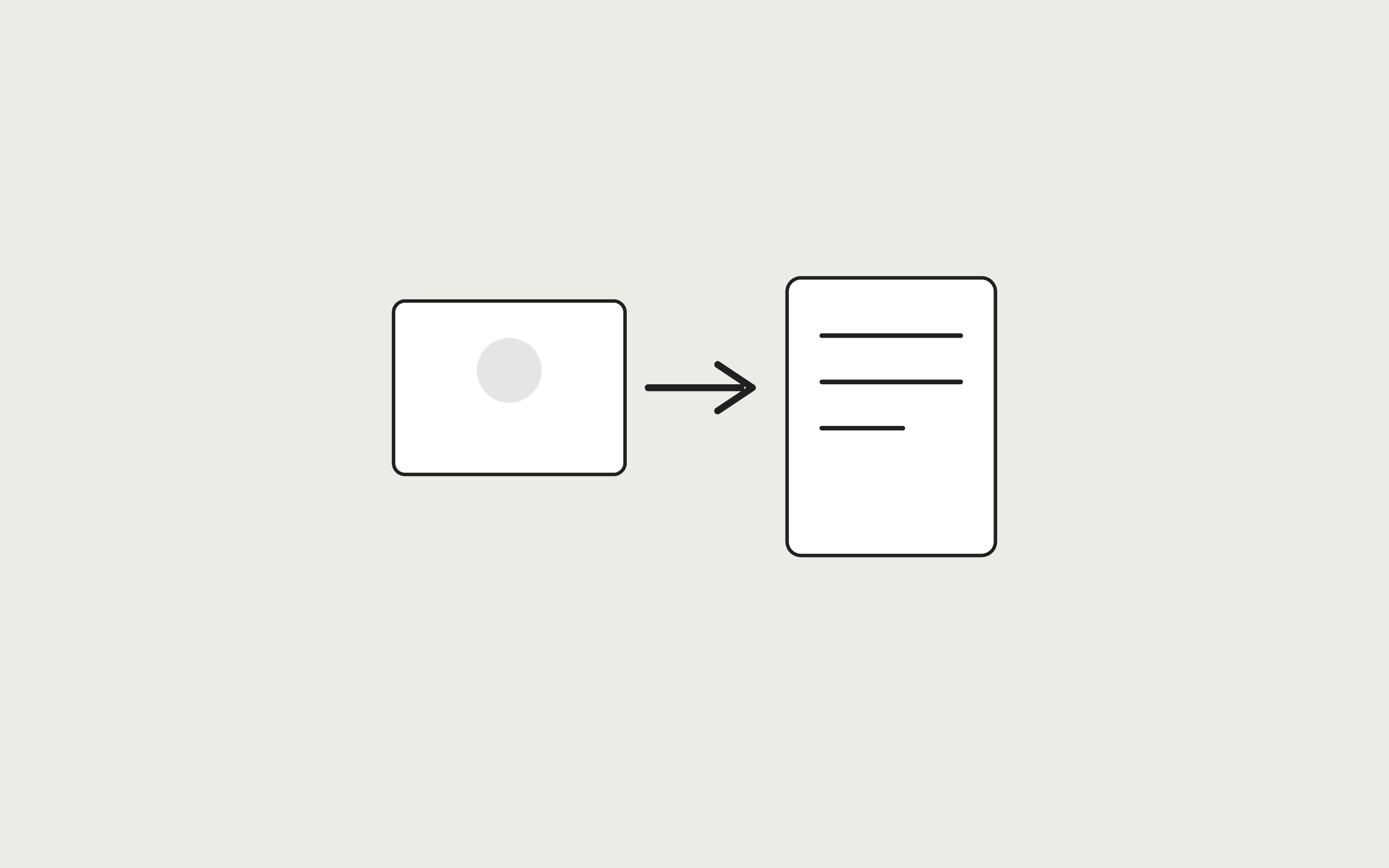
To convert Word to PDF in the browser, drop a .docx file on Word to PDF, check the text preview, and click Convert to PDF. Toolstik does not upload the document. It also does not clone Microsoft Word's layout engine—expect flowing text on A4, not embedded images.
Try it now
Word to PDF
Loading tool…
Steps
- Open Word to PDF.
- Drop a
.docx(or.txt) up to 25 MB. - Read the preview. If it looks empty, the file may be image-only; export a PDF from Word instead.
- Click Convert to PDF, then Download PDF.
After you have a PDF
- Combine it with a portfolio using Merge PDF.
- Shrink a verbose export with the PDF Compressor.
- If the source is photos, skip Word and use JPG to PDF.
The rest of the cluster is in best free PDF tools and how to merge PDF files.
Frequently asked questions
Tools in this guide
Word to PDF
Convert a Word document (.docx) to PDF in your browser. Nothing is uploaded.
PDF & Document
Merge PDF
Combine multiple PDF files into one document. Set the file order before merging.
PDF & Document
PDF Compressor
Reduce PDF file size in your browser by rebuilding the document structure.
PDF & Document
Keep reading
- PDFBest Free PDF Tools Online: Merge, Compress, Convert & SplitThe best free PDF tools online for merging, splitting, compressing, and converting PDFs, all running in your browser with no uploads, sign-ups, or watermarks.
- PDFHow to Convert JPG to PDFConvert JPG to PDF free in your browser: combine JPG or PNG images into one PDF, choose A4, Letter, or fit-to-image pages, and set margins. No uploads.
- PDFHow to Merge PDF Files OnlineMerge PDF files online for free: combine two or more PDFs into one document, set the file order, and download it. Everything runs in your browser.